AI Receptionist for Small Business: Practical Setup and Strategy
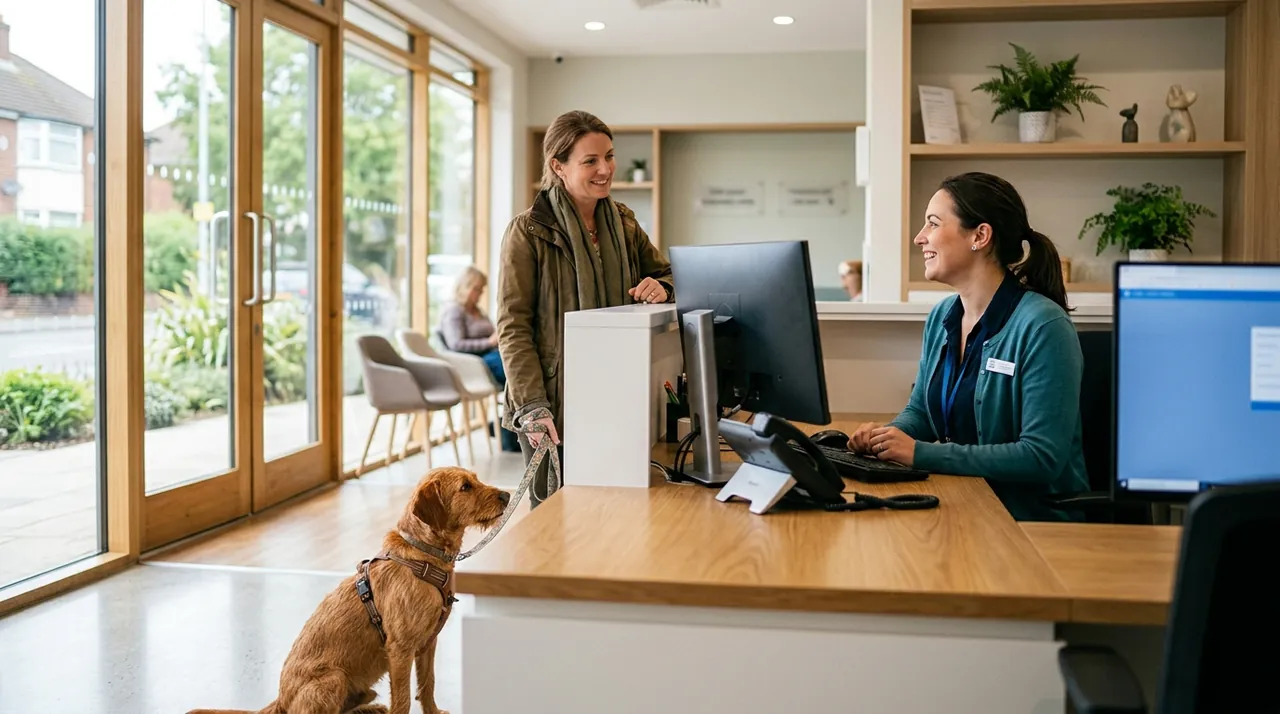
An AI receptionist is an automated voice system that answers inbound phone calls, holds natural back-and-forth conversations, qualifies prospective customers, and executes real-world tasks like booking calendar slots or logging records in a CRM. For a local service provider, medical clinic, or contractor, deploying an AI receptionist for small business operations bridges the gap between customer expectations for instant phone support and the high labor costs of staffing a front desk around the clock. Rather than sending frustrated callers to a static voicemail inbox where inquiries languish, voice automation captures revenue opportunities the moment the phone rings.
When I managed retail networks across dozens of physical locations, phone coverage was always an operational headache. Front-desk staff were constantly torn between the customer standing at the counter and the telephone ringing off the hook. Inevitably, the phone lost that contest. Today, voice AI technology allows small and mid-sized businesses to decouple physical customer service from front-line call answering without sacrificing responsiveness or accuracy.
Key Takeaways
- An AI receptionist operates as an interactive phone agent capable of understanding conversational speech, answering questions, and executing tasks through software integrations.
- Front desks face severe coverage constraints during lunch hours, peak business surges, evenings, and weekends, which creates an immediate operational case for voice automation.
- Core functions to automate first include routine customer qualification, direct calendar booking, address verification, and emergency call escalation.
- Setup requires a well-structured knowledge base, clear boundary logic, strict escalation triggers, and conditional call forwarding from your existing business phone carrier.
- Voice automation does not eliminate human judgment; it acts as a triage layer that handles repetitive inquiries so your skilled employees can focus on high-value work.
How an AI Receptionist Works
Traditional automated phone systems rely on interactive voice response (IVR) technology. Callers are forced through rigid numeric menus, pressing numbers to hear pre-recorded messages. Most customers find this experience tedious, and many hang up before reaching an option that fits their problem.
Modern voice AI agents function differently. Instead of relying on pre-recorded audio tracks and keypad tones, the system runs on a pipeline of distinct conversational technologies:
- Speech-to-Text (STT): High-speed transcription models convert the caller's spoken audio into text in milliseconds.
- Large Language Model (LLM) Reasoning Engine: The system evaluates the caller's intent against business instructions, company knowledge, and guardrails you define.
- Function Calling and APIs: The agent connects to your software tools in real time. It can check available calendar slots in Google Calendar, search customer profiles in HubSpot, or post a work ticket to Jobber.
- Text-to-Speech (TTS): A natural voice synthesizer generates fluid, human-like speech tailored with realistic cadence, pauses, and inflection.
Because this pipeline operates within fractions of a second, the AI receptionist can hold conversational exchanges that feel immediate and practical. The caller does not need to speak in rigid keywords; they can explain their situation naturally, ask follow-up questions, and receive direct answers.
Comparison: Staffing Options for Inbound Calls
Small businesses typically weigh three paths when deciding how to handle incoming call volume: an in-house receptionist, a live answering service (call center), or a dedicated AI receptionist. Each approach involves distinct tradeoffs in operational cost, availability, and domain accuracy.
| Feature / Dimension | In-House Receptionist | Live Answering Service | AI Receptionist |
|---|---|---|---|
| Coverage Hours | Typically 40 hours per week | 24/7/365 coverage | 24/7/365 coverage |
| Simultaneous Call Capacity | Single call (puts others on hold) | Multiple concurrent calls | Infinite concurrent calls |
| Cost Structure | Hourly wage plus payroll taxes and benefits | Per-minute or per-call billing tiers | Flat monthly fee or low usage-based rate |
| Software Integration | Deep manual CRM and calendar management | Limited to basic message intake scripts | Direct API synchronization with CRM and calendar |
| Training Requirements | Significant onboarding and continuous management | High script turnover and frequent operator errors | Fast configuration via structured knowledge files |
| Physical Presence | Greets in-person visitors | Remote only | Phone and digital channels only |
For businesses with walk-in foot traffic, an on-site team member is indispensable. However, asking that same person to manage uninterrupted phone intake while greeting guests leads to divided attention and dropped calls. Many teams find success with a hybrid workflow: the AI receptionist handles overflow, after-hours volume, and routine scheduling, while the front-desk staff focuses on high-touch client care.
In-House ReceptionistLimited to standard business shifts of roughly forty hours weekly.
AI ReceptionistContinuous availability twenty-four hours a day, every day.
In-House ReceptionistAnswers one caller while placing others on hold.
AI ReceptionistHandles multiple concurrent phone conversations without hold times.
In-House ReceptionistManual entry of caller notes and appointments into business software.
AI ReceptionistDirect real-time synchronization with CRM systems and digital calendars.
In-House ReceptionistExtensive onboarding, continuous oversight, and periodic retraining after turnover.
AI ReceptionistRapid configuration and instant updates using structured business documents.
Core Workflows to Automate First
Trying to automate every edge case on day one is a recipe for operational failure. When launching voice AI, business owners should identify repetitive, rules-based phone conversations and automate those first.
Inbound Lead Capture and Qualification
When prospective clients call your business, they want to know whether you serve their area and handle their specific problem. An AI agent can immediately collect the caller's name, callback number, property address, and service requirement. The agent checks those answers against your service criteria. If the lead is qualified, the system records the details directly into your CRM (such as Salesforce, HubSpot, or ServiceTitan) and alerts your sales rep via Slack or email.
Direct Appointment Scheduling
Booking inquiries represent some of the highest-intent calls a business receives. Instead of telling callers to fill out an online form or leaving a message on an answering machine, an AI receptionist can query your live booking software. It checks available technician or provider slots, suggests times that match the caller's preference, collects required booking details, and writes the event directly to the calendar.
Answering Repetitive Operational Questions
Front-desk personnel spend hours each week answering the same five questions: What are your hours of operation? Where are you located? Do you accept my insurance? What is your diagnostic fee? What is your typical turnaround time? An AI receptionist answers these questions consistently without hesitation, referencing a single business knowledge document that you control and update.
Emergency Triage and Warm Transfers
Not every call should be resolved by automated software. For urgent situations—such as a burst pipe for a plumbing contractor or an acute dental emergency—the system must recognize crisis keywords and trigger an immediate transfer to an on-call technician or manager. If the staff member does not pick up, the AI captures the critical details and pushes a priority notification to the team.

Operational Pitfalls and Real-World Limitations
While voice AI has advanced significantly, implementing it requires an understanding of its mechanical constraints. Treating an AI receptionist as an autonomous replacement for human staff without supervision will create customer friction.
Complex Problem Solving and Ambiguity
AI agents excel at linear, deterministic processes. When callers present convoluted stories, demand negotiated pricing exceptions, or express intense emotional distress, language models can struggle to deliver appropriate responses. Systems must be configured with explicit conversational boundaries: when an issue exceeds the agent's defined scope, it should gracefully offer a human callback rather than guessing.
Audio Quality, Accents, and Interruptions
In real-world environments, callers phone businesses from noisy highways, windy job sites, or crowded living rooms. Background noise and low-bandwidth cellular connections can degrade speech-to-text accuracy. Furthermore, natural speech includes interruptions, hesitations, and false starts. Tuning the system's interruption handling (turn-taking sensitivity) is critical to prevent the bot from cutting off the caller mid-sentence.
Compliance and Legal Considerations
Operating telephone automation in the United States requires adherence to federal and state communication standards. When your AI system sends follow-up text messages or places outbound confirmation calls, you must observe rules under the Telephone Consumer Protection Act (TCPA) and register messaging profiles through A2P 10DLC frameworks. If your organization handles protected health information (such as in dental, medical, or mental health practices), ensure that your voice software vendor signs a Business Associate Agreement (BAA) and complies with HIPAA data safeguards. Business owners should consult qualified legal counsel to verify compliance for their specific jurisdiction.
Step-by-Step Implementation Guide
Deploying an AI receptionist does not require custom software engineering. Most modern voice platforms provide modular builders. The key is thorough operational preparation.
- Audit Call History
Review call logs and recordings to pinpoint the most frequent reasons customers contact your business.
- Build Knowledge Base
Draft concise, factual answers covering operational hours, exact location, pricing policies, and available services.
- Define Escalation Rules
Establish precise triggers for routing emergency situations and specific caller requests to human staff.
- Connect Core Software
Integrate your digital booking calendars and CRM platforms to enable automatic scheduling and data logging.
- Conduct Thorough Testing
Simulate noisy environments, rapid interruptions, and complex questions with test callers before public launch.
- Enable Call Forwarding
Route unanswered or after-hours calls to the AI agent before gradually expanding its operational coverage.
Step 1: Audit Inbound Call History
Before configuring software, review your call logs and listen to existing recordings from the past 30 days. Identify the top three reasons people call your business. Document the exact terminology real customers use, along with the answers your staff provides.
Step 2: Build a Concise Business Knowledge Base
Write a structured knowledge file that answers standard operational questions. Keep answers clear, factual, and concise:
- Business address, parking instructions, and physical landmarks
- Regular business hours, holiday closures, and emergency hours
- Geographic service boundaries (zip codes or metro areas)
- Clear pricing baselines (such as diagnostic charges or service call minimums)
- List of services you provide and services you explicitly decline
Step 3: Define Strict Escalation Rules
Determine when the AI should step aside. Create unambiguous criteria for routing calls to live staff:
- The caller explicitly requests to speak with a human.
- The caller indicates an active emergency requiring immediate dispatch.
- The caller is an existing vendor, partner, or job applicant.
- The system fails to understand the caller's request after two attempts.
Step 4: Connect Calendar and CRM Tools
Integrate your scheduling and record-keeping software. Use standard calendar tools (like Google Calendar, Calendly, or Microsoft Bookings) or specialized field service software (like Jobber or ServiceTitan). Ensure the AI writes detailed summaries into the appointment notes, including the caller's stated issue and confirmed contact info.
Step 5: Test Rigorously Before Going Live
Have your internal staff, friends, and family place test calls with realistic scenarios. Test edge cases: speak quietly, simulate background traffic noise, ask rambling questions, interrupt the agent while it speaks, and test the emergency escalation path. Review the transcripts and adjust the bot's system prompt to address confusion points.
Step 6: Deploy with Conditional Call Forwarding
Never switch your entire phone number over to an AI agent cold on a Monday morning. Use conditional call forwarding through your business telecom carrier. Set the system to forward calls to the AI agent only when the front-desk line is busy, when no one answers after four rings, or strictly outside of normal business hours. Once you have validated call performance over several weeks, you can expand its operating window.
The Economics: Evaluating Front-Desk Costs
Understanding the financial return of an AI receptionist requires evaluating both labor expenses and the revenue lost to unhandled calls.
Staffing a dedicated front desk represents a major ongoing overhead line item for small business owners. In May 2025, the median hourly wage for receptionists was $18.27, according to the U.S. Bureau of Labor Statistics.[1] When factoring in mandatory employer taxes, worker's compensation, healthcare coverage, paid time off, and the administrative cost of turnover, the true operational cost of a full-time employee climbs substantially higher.
Moreover, a single full-time employee covers only 40 hours of a 168-hour week. Even during business hours, that employee takes lunch breaks, assists walk-in clients, and steps away from the desk. When a prospective customer calls an emergency service provider or home improvement contractor and reaches a generic voicemail, they rarely wait for a callback; they immediately dial the next provider on their search list. Capturing even a handful of high-ticket service jobs each month that would have otherwise slipped through to voicemail frequently covers the monthly operating expense of voice automation software.
Conclusion
An AI receptionist is not an artificial novelty; it is a practical operational filter that safeguards your incoming revenue and shields your team from repetitive phone interruptions. It ensures that every prospective customer reaches an attentive, capable voice that can answer basic questions and secure an appointment on the spot.
The best first step you can take today is to conduct a simple internal call audit. For the next three business days, log every incoming phone call on a spreadsheet: note the caller's primary question, whether the call was answered on the first ring, and how long the conversation took. That call log will reveal your biggest coverage bottlenecks and provide the exact script you need to automate your first workflow.
Sources
- Receptionists : Occupational Outlook Handbook — U.S. Bureau of Labor Statistics, 2026
Frequently asked questions
Will callers realize they are speaking with an AI receptionist?
Most callers notice within a few moments due to the structured conversational pacing, though modern voices sound remarkably natural. Transparency is best practice: introducing the system as the company's automated scheduling assistant sets clear expectations and prevents caller frustration.
Can an AI receptionist transfer callers to a live human?
Yes. Voice AI platforms support warm and cold call transfers via standard telecom protocols. If a caller requests a person or reports an urgent issue, the system dials your designated on-call staff line or routing group immediately.
What happens if a caller has a heavy accent or background noise?
Current speech-to-text models handle a wide variety of accents well, but loud background noise can cause transcription errors. If the system fails to understand the caller after two attempts, it should default to taking a message or transferring to staff.
Do I need to change my business phone number to use voice AI?
No. You keep your existing carrier and business telephone number. You simply configure call forwarding rules (such as forward on busy, forward on no-answer, or after-hours forwarding) to route incoming calls to the AI agent's dedicated virtual line.
Is an AI receptionist compliant with healthcare privacy laws?
Voice AI systems can be configured for HIPAA compliance if the vendor signs a Business Associate Agreement (BAA) and provides encrypted data transmission and storage. Medical practices should always confirm these agreements before processing patient intake over AI.